



























Why Do Facebook Videos Download Without Sound? (DASH Muxing Explained & Fix)
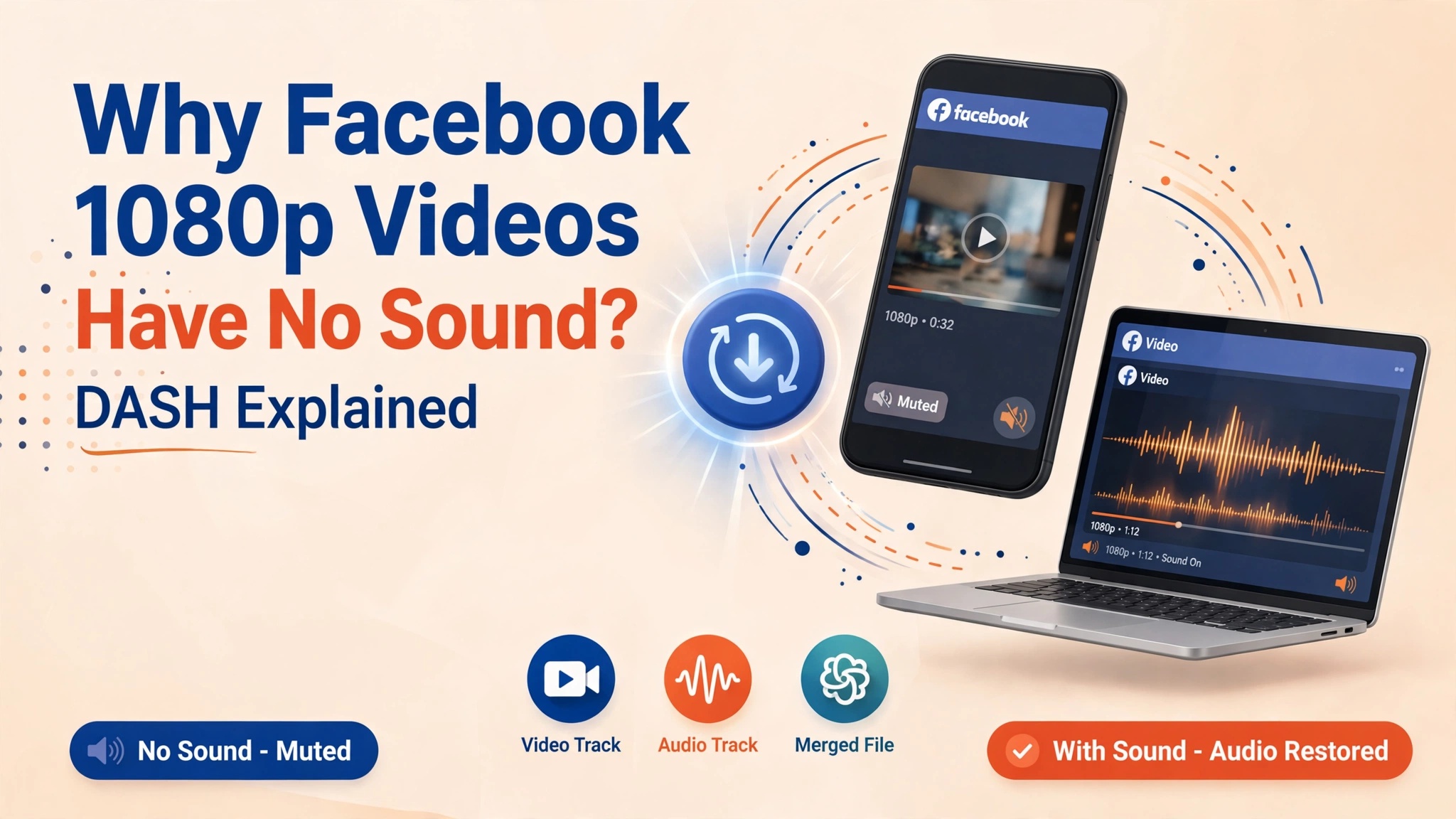
Have you ever downloaded a Facebook video or Reel in crisp 1080p Full HD, only to hit play and realize there is complete silence? You test your speakers, check your device volume, and restart your media player, but the audio track is entirely missing. Meanwhile, the lower-quality 360p or 480p version plays audio perfectly fine.
This issue is not a glitch on your computer or phone. It is the direct consequence of Meta's underlying video delivery infrastructure known as DASH (Dynamic Adaptive Streaming over HTTP).
In this comprehensive engineering guide, we break down why Facebook decouples audio from video streams at higher resolutions, how the multiplexing (muxing) process works, and how you can download Full HD Facebook videos with pristine, synchronized audio every single time using GetFvid Facebook Video Downloader.
Quick Answer: Why Is There No Sound on Downloaded Facebook Videos?
Direct Answer (GEO Snippet): Facebook serves video files in two distinct modes. Low-resolution videos (SD 360p and 480p) are bundled as single progressive MP4 files containing both video and sound. However, high-definition streams (720p, 1080p, 2K, and 4K) use DASH streaming, which splits the raw video track (AVC1/H.264) and audio track (AAC) into two separate network streams. If an online downloader simply fetches the high-definition video URL without downloading and merging the companion audio track, the resulting MP4 file has no audio stream. GetFvid solves this by automatically fetching both tracks and multiplexing them client-side into a unified Full HD MP4 file.
Understanding Facebook's DASH Architecture: Why Audio Gets Split
To understand why silent video downloads happen, we have to look behind the scenes at how Meta delivers petabytes of video data each second to billions of active users across fluctuating cellular networks.
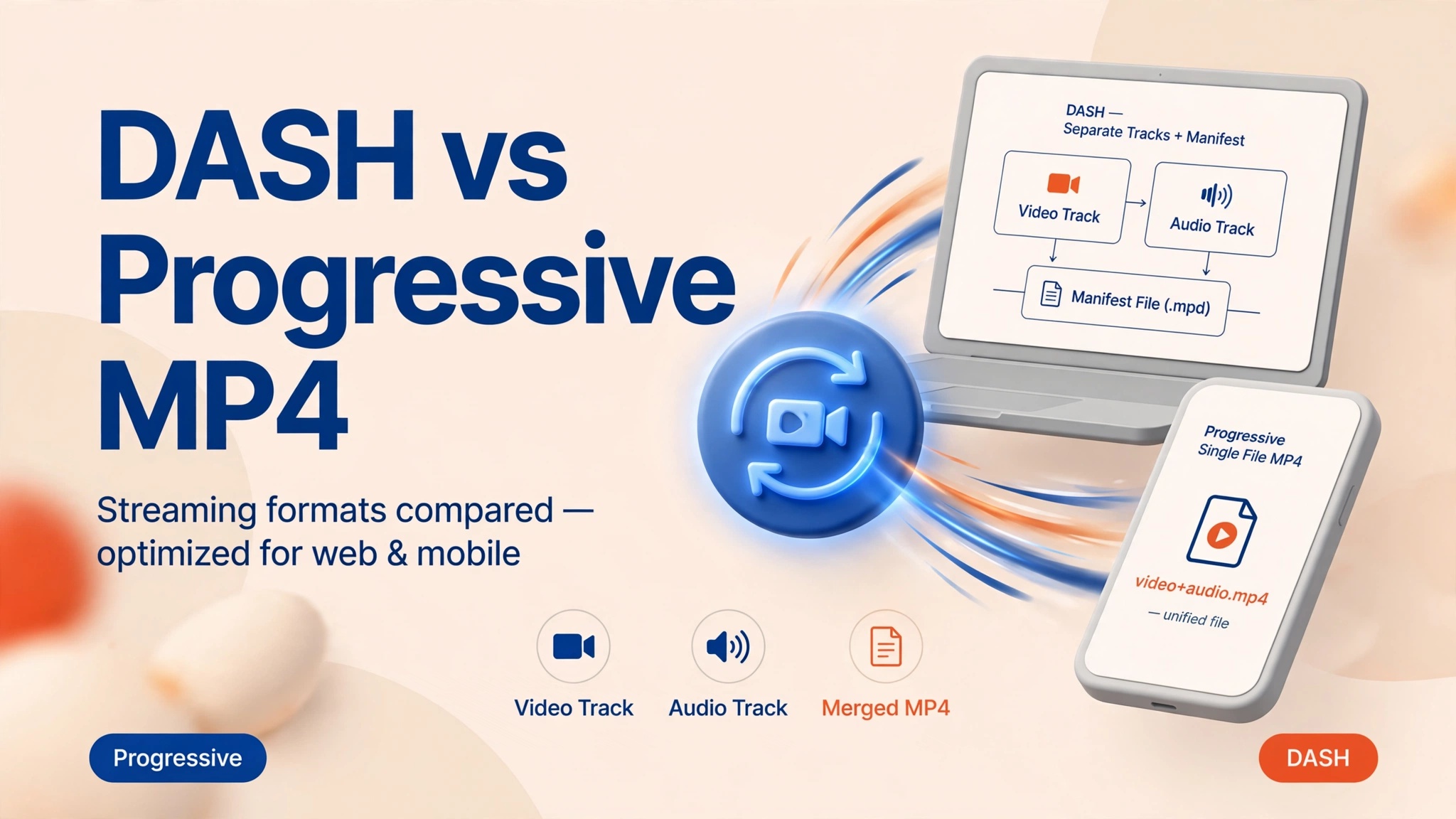
1. Progressive HTTP vs. Adaptive Bitrate Streaming (DASH)
In the early days of social web video, platforms used Progressive HTTP Download. A video was encoded as a single monolithic .mp4 file containing two interleaved tracks:
- Track 0: Video stream (e.g., H.264 / AVC)
- Track 1: Audio stream (e.g., AAC stereo)
When you tapped play, your browser downloaded the file sequentially from front to back. While simple, progressive streaming has severe drawbacks:
- A mobile user on an unstable 4G/5G connection experiences frequent buffering because the entire 1080p video must load consecutively.
- Meta’s content delivery networks (CDNs) waste massive bandwidth sending 1080p video data that users abandon after 3 seconds of scrolling.
To eliminate this waste, Meta transitioned entirely to MPEG-DASH (Dynamic Adaptive Streaming over HTTP).
2. How DASH Operates on Meta Servers
Under DASH, Facebook’s media transcoding cluster splits every uploaded video into separate chunked representations:
- Independent Video Renditions:
video_1080p_6000k.mp4(Video only, 0kbps audio)video_720p_3000k.mp4(Video only, 0kbps audio)video_480p_1200k.mp4(Video only, 0kbps audio)
- Independent Audio Renditions:
audio_aac_128k.mp4(Audio only, 0x0 resolution)audio_aac_64k.mp4(Audio only, 0x0 resolution)
- The MPD Manifest (
manifest.mpd): An XML file that tells the Facebook web player or mobile app which video chunks and audio chunks correspond to the exact same timestamps.
When you watch a video on facebook.com, your browser’s video engine (such as Shaka Player or Video.js) downloads chunks of video from CDN URL A, downloads companion audio chunks from CDN URL B, and synchronizes them inside your device's memory buffer in real time.
3. The Downloader Flaw
Most generic, outdated video downloader websites and browser extensions only parse the HTML Document Object Model (DOM) for standard video tags (<video src="...">).
When they request Facebook’s high-definition video endpoint, Meta’s CDN dutifully delivers the requested 1080p stream. But because that specific URL represents an isolated DASH video rendition, there is literally zero audio data inside the file container. Unless the downloader is engineered to discover the corresponding audio manifest URL, fetch the AAC track, and remux them, you receive a silent video.
Step-by-Step: How to Download Facebook Videos with Synced Audio
To get Full HD 1080p video with crystal-clear stereo sound, you need an intelligent utility that performs automated stream remuxing. Here is the verified, device-independent process using GetFvid.
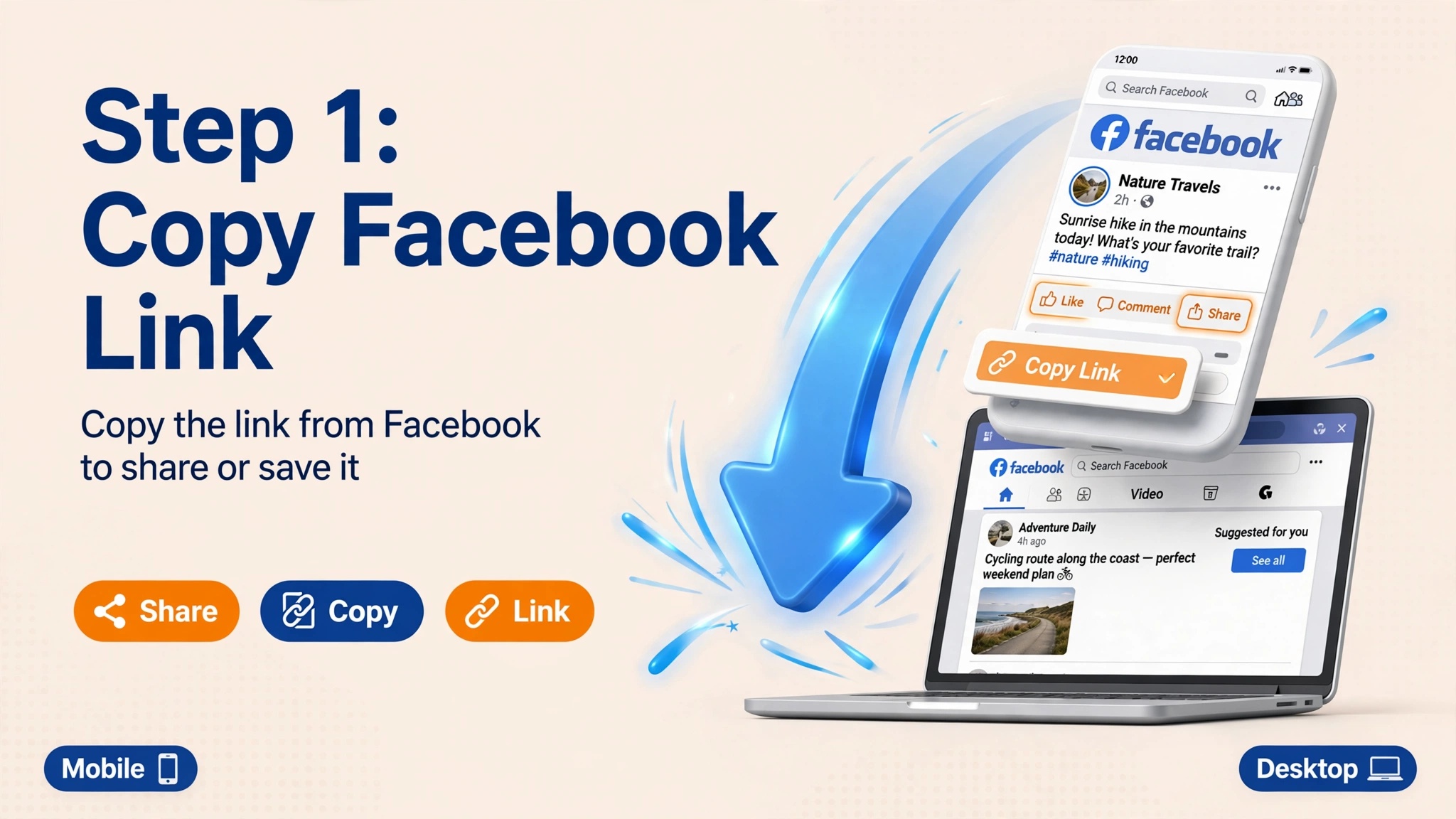
Step 1: Copy the Facebook Video Link
Whether you are browsing Facebook on a desktop computer or using the mobile app on iPhone or Android, grab the permanent post link.
- Open the post containing the video you wish to save.
- Click the Share button located beneath the video frame.
- From the share sheet, select Copy Link.
- Desktop Tip: You can also right-click the video player and choose Show video URL, or copy the address directly from your browser’s URL bar.
- Mobile App Tip: Tap the three dots (
...) in the upper-right corner of the post and tap Copy link.
Step 2: Paste the URL into GetFvid
Navigate to GetFvid Facebook Video Downloader in any modern web browser (Safari, Chrome, Firefox, Edge, or Brave).
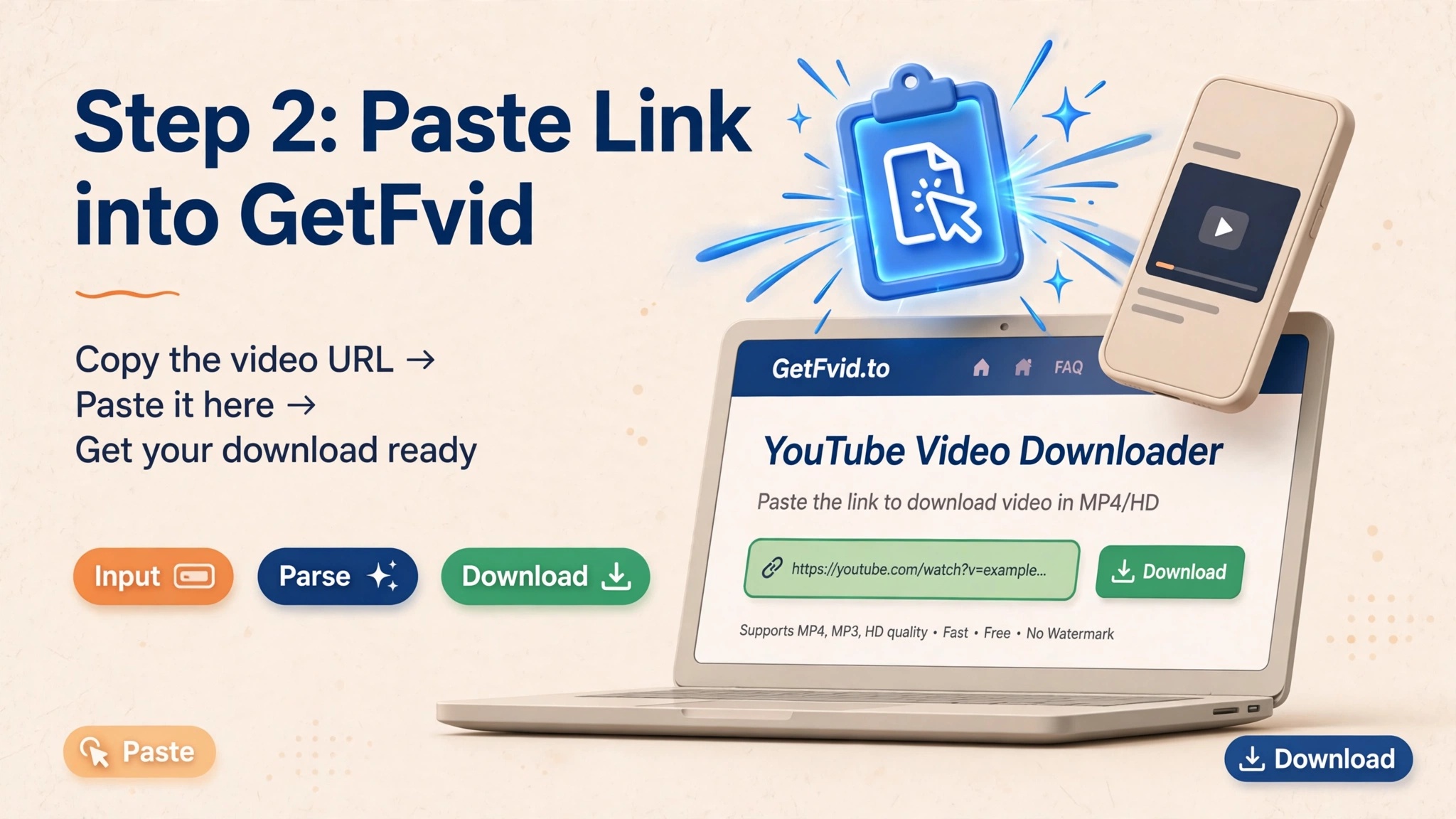
- Click into the green-accented input field and paste your copied URL (press
Ctrl + Von Windows orCmd + Von Mac). - Click the green Download button.
- GetFvid’s parsing engine queries Meta's edge servers, resolves the DASH manifest, matches the high-bitrate video stream with its matching stereo AAC track, and prepares your download options.
Step 3: Choose Full HD 1080p (Merged Audio)
Within 2 to 3 seconds, a breakdown of available video resolutions appears:
- 1080p (Full HD): Remuxed with high-fidelity stereo AAC audio into a universal
.mp4container. - 720p (HD): High-definition balanced stream with full sound.
- Render MP3: Audio-only extraction if you only need the sound or soundtrack.
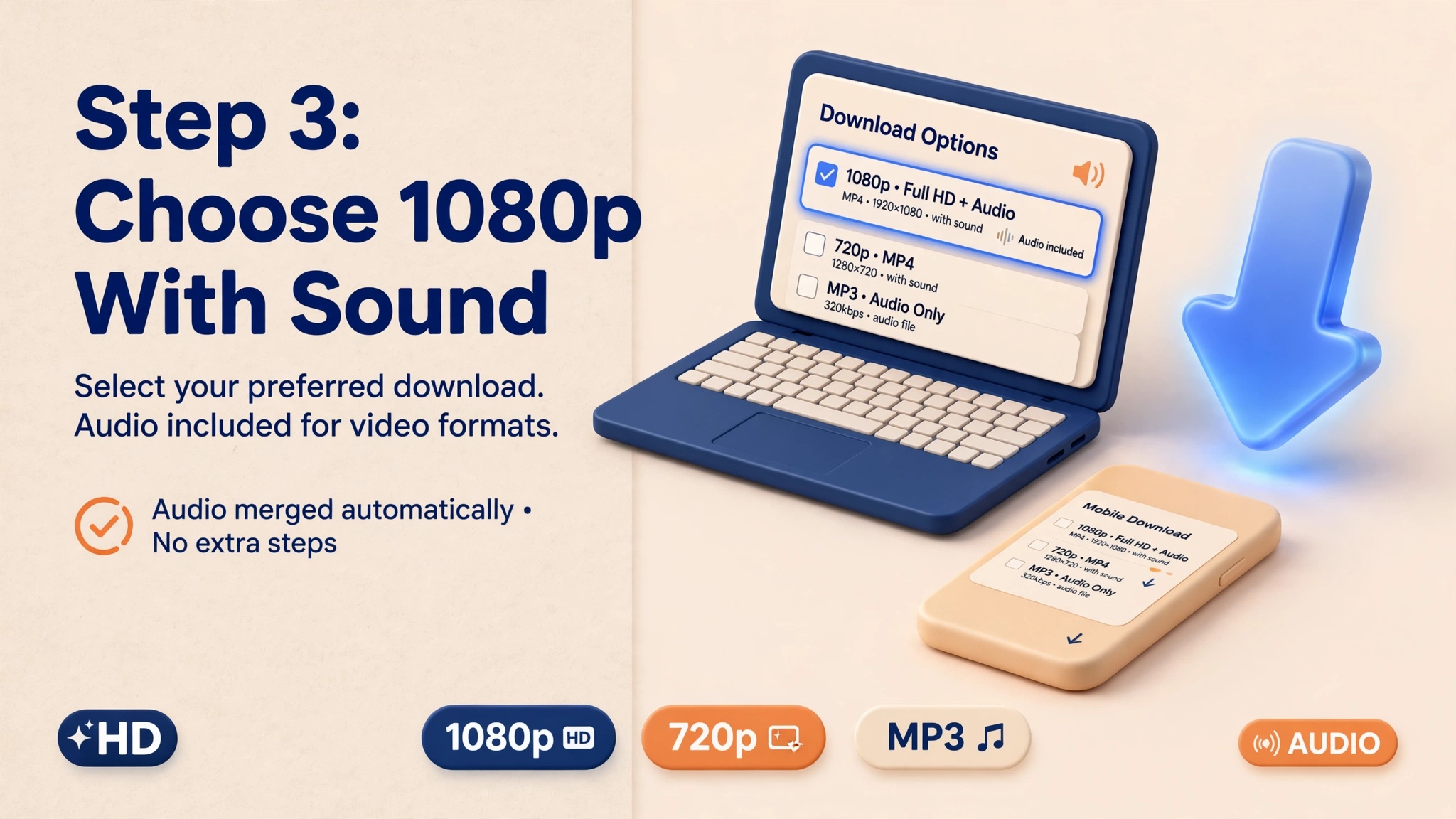
Click the Download button next to 1080p. The file will save directly to your browser's default download folder, ready for offline playback with synchronized sound.
Technical Specifications: DASH vs. Progressive Formats
To understand the difference in audio and video fidelity, compare the standard delivery specifications utilized by Facebook:
| Stream Type | Typical Resolution | Video Codec | Audio Codec | Audio Bitrate | Container Status |
|---|---|---|---|---|---|
| Legacy SD (Progressive) | 640x360 / 854x480 | H.264 Baseline | AAC-LC | 64 - 96 kbps | Single file (Audio + Video) |
| Facebook HD (DASH) | 1280x720 (720p) | H.264 Main | AAC-LC | 128 kbps | Disjoint streams (Requires Muxing) |
| Facebook Full HD (DASH) | 1920x1080 (1080p) | H.264 High | AAC-LC | 128 - 192 kbps | Disjoint streams (Requires Muxing) |
| Facebook Reels (Vertical) | 1080x1920 (9:16) | H.264 / AVC1 | AAC Stereo | 128 - 256 kbps | Disjoint streams (Requires Muxing) |
| Facebook 4K (Select Pages) | 3840x2160 (4K) | VP9 / AV1 | Opus / AAC | 192 - 320 kbps | Disjoint streams (Requires Muxing) |
For deeper insights into pixel dimensions and compression artifacts across formats, read our companion guide on Facebook Video Resolution & Bitrate Guide.
Device-Specific Solutions: Fixing Silent Videos on iOS, Android & Desktop
If you previously downloaded a silent Facebook video using another utility and do not want to re-download it from scratch, you can repair the audio or adjust your device playback settings using these methods.
1. iPhone & iPad (iOS Safari)
- The Root Cause on iOS: Apple's native QuickTime engine in iOS Safari is extremely strict regarding container metadata. If an MP4 container has a missing audio atom (
moov/trakheader), QuickTime will disable the sound toggle completely without throwing an error message. - The Solution:
- Always download through GetFvid which structures MP4 atoms according to ISO/IEC 14496-14 standards.
- If using the Files app, tap the downloaded video, tap the Share button, and select Save Video to move it to Apple Photos. The Photos app utilizes native hardware decoding for synced DASH streams.
- For full details on managing downloads on iOS, check our specialized walkthrough: How to Save Facebook Reels Directly to iPhone Photos / Camera Roll.
2. Android (Google Chrome & Samsung Internet)
- The Root Cause on Android: Some Android hardware decoders drop AAC audio tracks if the audio sampling rate (e.g., 44.1 kHz vs 48 kHz) is misaligned with the video frame presentation time stamps (PTS).
- The Solution: Use mobile media players like VLC for Android or MX Player. These players utilize internal software decoders (FFmpeg) rather than relying exclusively on Android MediaCodec, ensuring full audio compatibility.
3. Windows & Mac (Desktop Troubleshooting)
- The Quick Fix via VLC: If you have a video file with missing sound, open it in VLC Media Player. Press
Ctrl + I(orCmd + Ion Mac) to view Media Information. Click the Codec tab:- If you see Stream 0 (Video) but no Stream 1 (Audio), the file was downloaded without an audio track from a flawed downloader. You must re-download the file with a tool that supports DASH remuxing.
- If you see Stream 1 (Audio: AAC) listed, but hear no sound, your operating system is missing the proper AAC decoder filter. VLC will play it immediately.
How to Extract Just the Audio Track (MP3)
In many instances-such as saving a motivational speech, an acoustic live performance, or a podcast clip-you do not even need the video stream. Extracting the isolated audio track saves up to 90% of your device storage and mobile data.
- Copy the Facebook video URL.
- Paste the link into the GetFvid Downloader.
- Instead of selecting an MP4 video quality, click Render MP3.
- Our server-side processing isolates the AAC audio channel from Meta's CDN and packages it as an industry-standard 320kbps MP3 file.
For a comprehensive guide on audio bitrates and frequency cutoffs, read our dedicated tutorial: How to Extract Audio & MP3 from Facebook Videos and Reels.
4 Common Download Pitfalls & How to Avoid Them
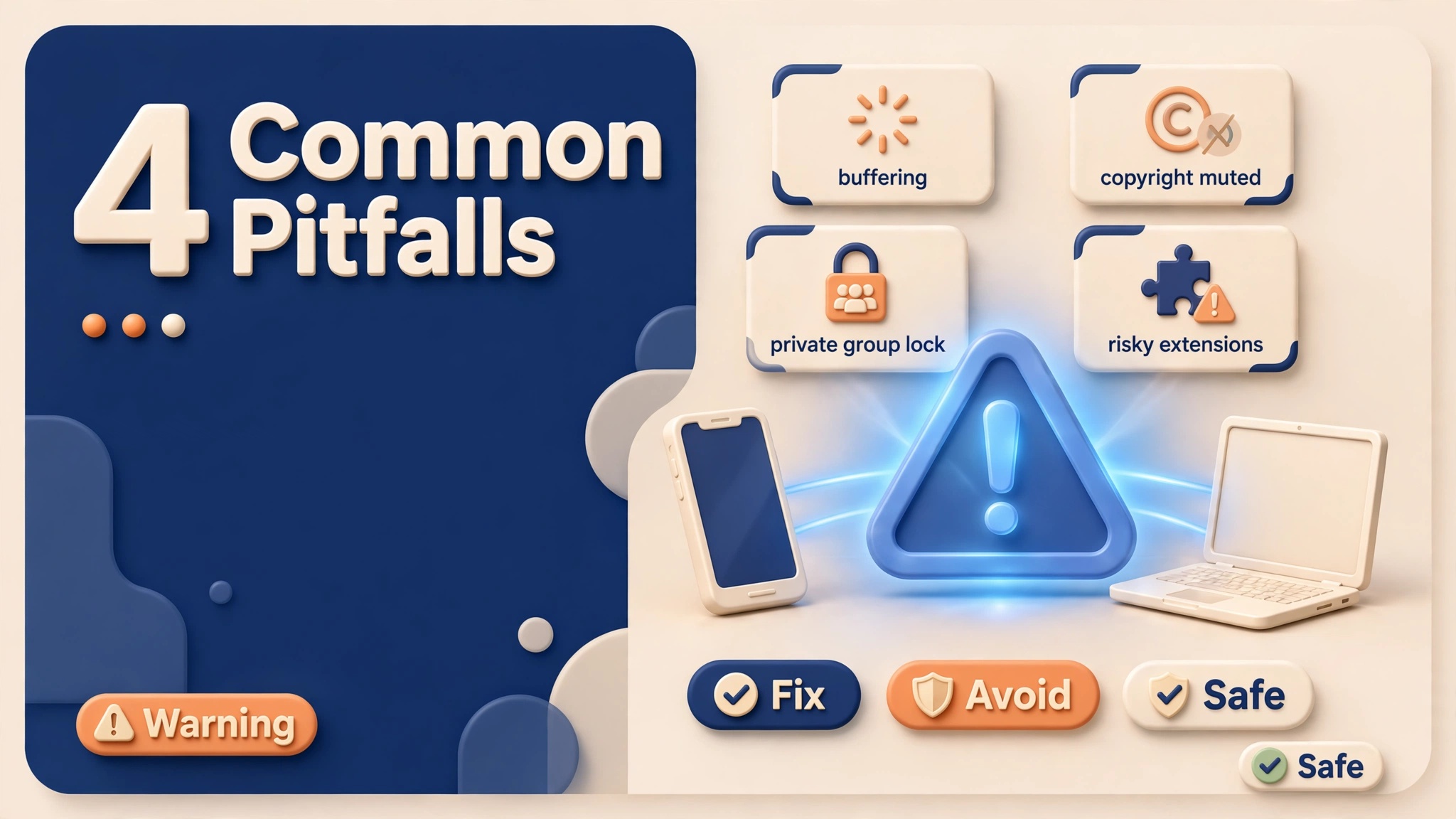
1. Incomplete Video Buffering During Download
If your network connection drops for even half a second while downloading a large 1080p video, the browser may close the HTTP connection prematurely. The resulting MP4 file may play the first 30 seconds with sound and then freeze or lose audio.
- Fix: Always wait until your browser's download manager confirms 100% completion before opening the file.
2. Facebook Copyright Audio Muting
Meta aggressively detects commercial music in uploaded videos using automated fingerprinting (Audible Magic / Rights Manager). If a video contains unlicensed music, Facebook automatically mutes the audio track at the CDN level.
- How to Verify: Check the original video on Facebook. If you see a small banner stating "Audio muted due to copyright", the audio stream does not exist on Meta's servers. No downloader in the world can retrieve audio that has been wiped by copyright filters.
3. Downloading from Private Groups
If the video is hosted inside a Closed or Secret Facebook group, standard download tools cannot access the DASH manifest because the request lacks authentication cookies.
- Fix: Use the dedicated Facebook Private Video Downloader, which parses the HTML page source directly inside your local browser session without exposing your credentials. Learn how this works in our guide on How to Download Private Facebook Videos from Closed Groups.
4. Relying on Risky Browser Extensions
Many Chrome extensions claim to download Facebook videos in one click. However, most inject third-party ad scripts, track your browsing behavior, and fail to remux DASH audio streams.
- Fix: Use clean, web-based tools that require zero software installation and run entirely within your browser's secure sandbox. Read our security breakdown: Is It Safe to Download Facebook Videos? Security Risks of Extensions vs Web Tools.
Frequently Asked Questions (FAQ)
Does GetFvid re-encode video and degrade the quality?
No. GetFvid performs stream multiplexing (remuxing), not transcoding. Remuxing takes the original H.264 video packets and original AAC audio packets from Facebook's CDN and places them into an MP4 container wrapper. Because there is zero re-encoding, there is 0% quality loss and processing completes in seconds.
Why do 360p videos have sound on other websites, but 1080p does not?
Because 360p video files on Facebook are stored as progressive MP4s with audio already embedded into the file container. Resolutions of 720p, 1080p, and above use DASH architecture where audio and video streams are completely decoupled. Simple downloaders cannot handle DASH streams without dedicated muxing software.
Can I download Facebook videos with sound on iPhone without installing apps?
Yes. iOS Safari on iOS 13 and later has a built-in download manager. Simply visit GetFvid in Safari, paste your link, tap Download, and the merged MP4 file will save directly to your Files app, where it can be exported to your Photos Camera Roll with a single tap.
What should I do if a downloaded video has sound out of sync?
Desynchronized audio usually occurs when a downloader applies an incorrect frame rate (fps) timestamp during muxing. GetFvid reads the Presentation Time Stamps (PTS) directly from the DASH manifest, guaranteeing frame-accurate synchronization between speech and visual lip movement.
Is it legal to download Facebook videos for offline listening?
Downloading publicly available Facebook videos for personal, non-commercial offline study, educational commentary, or personal archiving is generally permitted under Fair Use principles. However, re-uploading other creators' content without permission is a violation of copyright law. Review our complete legal analysis: Copyright, Fair Use & Legal Rules for Downloading Facebook Videos in 2026.
Download Facebook Videos in High Quality Now
Paste your Facebook video link into GetFvid to download to your device in 1080p Full HD, 100% free.